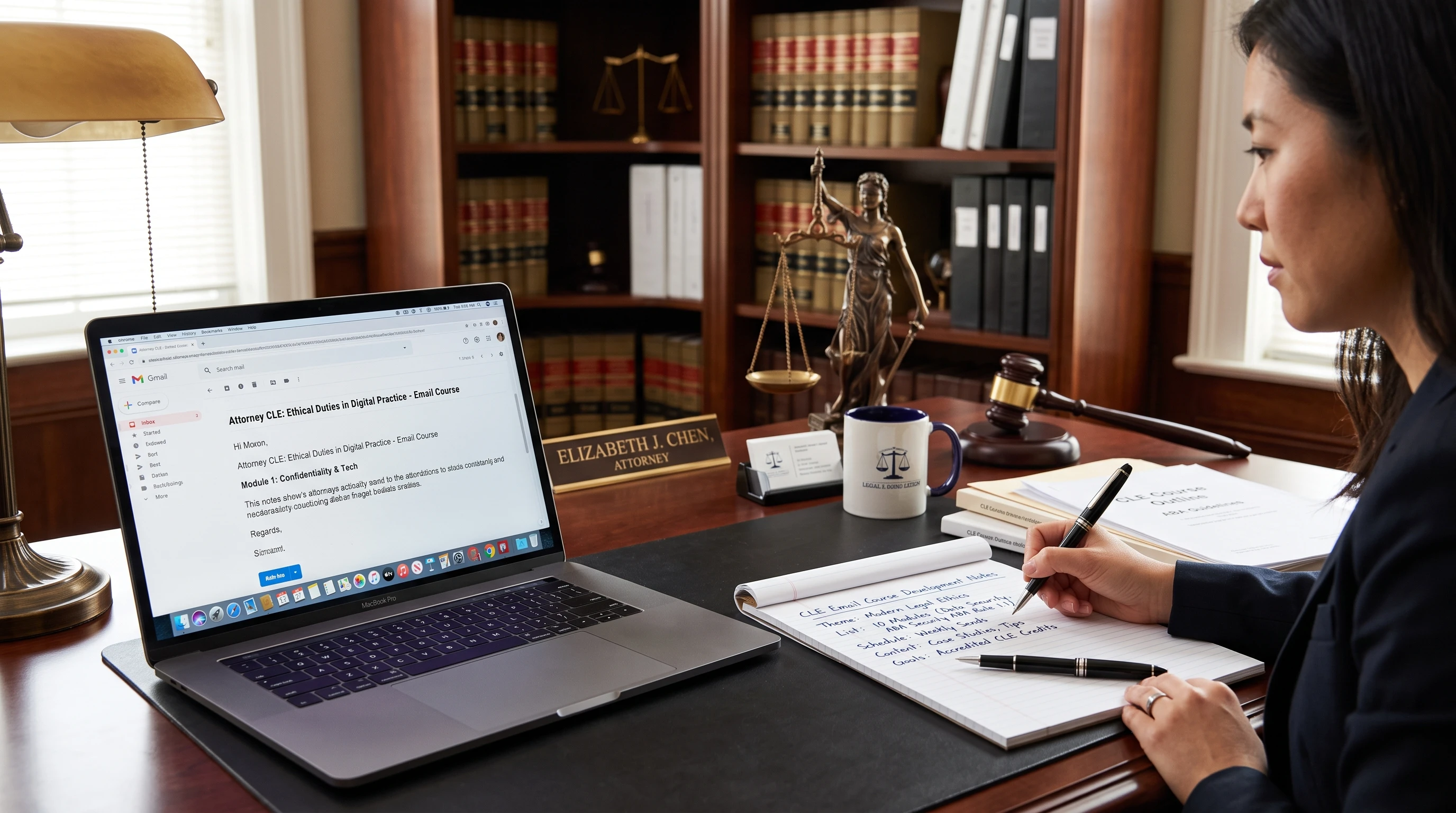
 Continuing education is a big part of being an attorney. Most legal professionals must earn a certain number of continuing legal education (CLE) credits each year or period, and many are looking for learning experiences that are flexible, accessible, and practical for their busy schedules. Email courses are a strong option; they fit easily into daily routines and can focus on exactly the skills or knowledge areas attorneys want to develop. I’ve seen firsthand how helpful a reliable email course can be as part of a CLE strategy.
Online CLE options are growing fast, but many don’t always fit into a packed calendar, or they feel a lot like lecture videos or longwinded webinars. Email courses let attorneys learn at their own pace, review material when it’s convenient, and get involved through reading, quizzes, and thoughtful activities. When built properly, these courses can deliver up-to-date knowledge, satisfy reporting requirements, and keep professionals engaged.
This guide breaks down everything I’ve learned about building effective email courses for attorneys’ continuing education. I’ll explain the key planning steps, course structure, practical tools for delivery, how to handle assessments and credits, and ways to promote your course so attorneys actually sign up (and stick with it).
Step 1: Set Clear Goals for Your Email Course
Starting with a clear purpose helps make attorneyfocused email courses targeted and useful. Attorneys are busy, so every lesson needs a reason to be there. I always begin by listing the main goals of the course.
Questions to Consider:
- What specific topic or practice area will this course cover (e.g., client confidentiality, emerging tech in law, ethics, or updates on case law)?
- What will attorneys be able to do differently as a result of taking this course?
- Does this course need to meet CLE requirements in a certain state or jurisdiction?
- Will the course include interactive elements, assessments, or just reading material?
- What kind of attorney?(Medical Malpractice, Personal Injury, worker’s compensation)
Common Course Goals for Attorney Learners:
- Review ethical obligations and avoid common mistakes.
- Learn about recent legal precedents and legislative updates relevant to their area.
- Develop specific skills (like negotiation, client intake, or tech competency).
- Earn CLE credits in a flexible, remotefriendly way.
Writing down goals helps keep the course focused and makes it easier to design lessons that attorneys will actually want to finish.
Step 2: Plan the Course Structure and Content
Email courses work best when the learning is broken into small, focused lessons. Most busy attorneys prefer to spend about 10–20 minutes per session, not much longer. I plan the structure before I write anything. Here’s my process:
How to Plan Each Lesson:
- Identify the core learning objective of each email (stick to one per lesson).
- Divide the broader topic into logical chunks, don’t overload a single email.
- Use a clear subject line for each email, describing the main lesson focus.
- Include practical examples, such as common scenarios or new legal developments.
- End each lesson with a quick summary and one small action step or quiz.
Sample Course Outline:
- Course Title: Legal Ethics in a Digital World
- Email 1: Introduction to Modern Legal Ethics. Why It Matters
- Email 2: Confidentiality and Cloud Storage. Common Pitfalls
- Email 3: Communication with Clients. Rules and Recent Case Studies
- Email 4: Social Media Risks for Attorneys
- Email 5: WrapUp, Quiz, and Resources for Further Learning
Sticking to this kind of structure makes courses much easier to follow and keeps attorneys coming back for each new lesson.
Step 3: Choose the Right Tools for Building and Delivering Your Email Course
Email automation platforms make it possible to run wellorganized courses without much technical hassle. I’ve used tools like Mailchimp, ConvertKit, and ActiveCampaign. Here’s how I choose:
- Look for automation; you want to set up a sequence so each attorney gets Day 1, Day 2, and so on, no matter when they start.
- Preview and test the emails to make sure links, images, and attachments work properly on mobile and desktop.
- Keep subscriber lists organized; tag signups by course name for reporting and engagement tracking.
- Use built-in analytics to check open rates, quiz completions, and engagement.
- Some providers offer advanced features like conditional logic or personalized sequences, which can be helpful for attorneys at different experience levels.
Email course platforms often provide free templates, sample courses, or integration with learning management systems (LMS), making setup much easier. For CLE delivery, double-check if the tool allows easy export of completion data and confirmations; this helps keep reporting to bar associations simple and accurate.
Step 4: Develop Engaging, Actionable Lessons
The content of your lessons matters a lot. Attorneys are used to reading dense material, so an email course should be clear, direct, and relatable. I avoid jargon whenever possible, and I always include real life examples or cases that attorneys might recognize.
Tips for Great Email Course Lessons:
- Start with a quick story, statistic, or question that feels relevant to attorneys (for example, “Have you faced questions about confidential client data storage?”).
- Add subheadings and bullet points to keep lessons easy to scan.
- Highlight action steps (e.g., “Review your law firm’s cloud storage policy today” or “Take this quick ethics scenario quiz”).
- Include links to outside resources, statutes, or reference guides for those who want to dig deeper.
- Add short quizzes or multiple choice assessments at the end of each lesson to help reinforce learning and track progress for CLE credit.
I also use knowledge checks or discussion prompts, inviting attorneys to reply by email or participate in a private online group. This adds value for learners who want more interaction or support, and it helps me improve future courses.
Step 5: Structure for CLE Credit and Assessment
Most state bar associations have strict rules for what counts as CLE. Attorneys are often interested in courses that make it easy to earn, report, and document credits.
Best Practices for CLE-Eligible Email Courses:
- State how many CLE credits the course offers (if pre-approved by a bar or licensing authority), or explain how attorneys can self-submit if allowed.
- Specify the time commitment per lesson, total estimated time, and completion requirements.
- Provide assessments, such as quizzes, reflection questions, or knowledge checks after each key topic. Many bars require proof of engagement or a passing score.
- Offer downloadable or printable certificates of completion at the end of the course.
- Track engagement data; automatically record lesson opens, quiz completion, and any interactive elements for future reporting.
- Mention renewal or reporting deadlines, and provide reminders throughout the course.
If you want your course to be pre-approved by a bar association, review their requirements and submit all needed information ahead of launching your course. I usually check the American Bar Association (ABA) guidelines or contact the local CLE board for specifics (ABA CLE resources). Some states require courses to cover certain learning objectives or use secure platforms for credit.
Step 6: Design an Enrollment and Welcome Process that Works
A smooth signup process is the first impression. For busy attorneys, less friction means more enrollments. Here’s how I handle enrollment:
- Set up a simple landing page with a clear signup form; include all course details, CLE approvals, time commitment, and a FAQ.
- Send an instant welcome email outlining what to expect, course schedule, and support contact info.
- Encourage attorneys to whitelist your sending email address to reduce missed lessons due to spam filters.
- Share clear instructions on how CLE will be awarded or reported, and where to find certificates or support.
- Offer calendar reminders or printable course outlines to help busy professionals stay on track with lessons.
I keep registration as lowbarrier as possible, only asking for info necessary for CLE reporting (usually name, email, and bar number if required).
Step 7: Keep Attorneys Engaged Throughout the Course
Attorney learners are often balancing deadlines, hearings, meetings, and lots of email. Even the best course can get lost in the shuffle. Here’s how I help keep attorneys on track:
- Write subject lines that are direct and show value, such as “Day 4. Practical Ethics Tip for Everyday Practice.”
- Send gentle reminders about lessons not yet opened, or offer a weekly recap for anyone falling behind.
- Include incentives, like bonus CLE topics or downloadable checklists, for finishing every lesson.
- Invite learners to email questions, share case scenarios, or take part in private online groups to discuss the material.
- Schedule a closing survey to gather feedback for future courses and improve content relevance.
Attorneys appreciate when lessons respect their time, give them practical takeaways, and connect to everyday practice. Little touches like reminders and opportunities to ask questions go a long way.
Step 8: Promote Your Email Course to Attorneys
Promotion is key to getting attorneys to sign up, especially if your coursework is new. I focus efforts on places where attorneys are already spending time or looking for CLE options.
Best Promotion Channels:
- List your course with state or local bar association CLE directories.
- Announce via LinkedIn and legal groups, highlighting CLE approval and practical value.
- Contact law firms or legal departments directly; many buy group CLE for their attorneys.
- Use legal industry newsletters and forums, offering a course excerpt or discount for early signups.
- Provide testimonials or feedback from past participants (if you have them), especially those who found value or met CLE needs easily.
Every promo piece should make the value clear; flexible, trusted CLE delivered by email is a huge win for busy lawyers. If you have experience or credentials, share them to build trust. I always explain how and why the course makes CLE easier, considering the constraints and reporting attorneys need to manage.
Common Questions & Troubleshooting
What if attorneys aren’t opening the emails?
- Check your subject lines; if they’re not specific or urgent, they may get ignored.
- Ask learners to add your email to their contacts, so you don’t land in spam folders.
- Resend unopened lessons with a different subject line a day or two later.
- Combine lessons into a single weekly email for those who prefer fewer messages.
How long should an email course be for CLE credit?
- Most courses are 5–14 days, with lessons lasting 10–20 minutes each. Total seat time usually needs to add up to the CLE hours being offered.
- Check your state’s bar association rules for minimum requirements and documentation.
How do I prove completion for CLE reporting?
- Use automated quiz results or ask attorneys to self certify (with an honor statement) at the end. Many email platforms generate completion reports.
- Provide a simple, instantly available certificate of completion that matches your bar jurisdiction’s requirements.
- Offer a helpdesk or support contact for questions or reporting troubleshooting; sometimes a quick reply can solve lastminute issues fast.
What if my course covers multiple jurisdictions?
Make it clear which states or jurisdictions your CLE is pre-approved for. For attorneys in other locations, share instructions for self submitting or ask if they need custom materials. Being transparent saves time for both you and the learner. It’s always a good idea to highlight this info at the start of registration and in course materials.
Final Steps & Takeaways
Email courses give attorneys a flexible, targeted way to earn credits, build new skills, and keep up with a busy, changing field. My experience shows that when these courses are focused on real world skills, straightforward lesson plans, and easy CLE reporting, attorneys genuinely appreciate them.
Your Checklist for Building an Email CLE Course:
- Define your course goals. Choose one intent; cover a new skill or compliance topic.
- Map out 5–10 quick, practical lessons that fit attorney schedules.
- Select an email tool that’s simple and automates reporting when possible.
- Design every lesson with attorney value in mind; real life problems and solutions matter most.
- Build in assessments and clear instructions for CLE approval or selfreporting.
- Make signing up as effortless as possible; explain time, credit, and course content clearly.
- Promote among legal organizations, bar associations, and social channels where attorneys get involved.
Email CLE makes continuing education easier for lawyers everywhere. Seeing busy attorneys reply that they finished a course on their phone, during a commute, or while in court recess is always rewarding. If you design your course with their real world constraints in mind, your CLE content stands out for the right reasons.
What area of legal practice do you think needs more flexible emailbased CLE? If you have ideas to add or questions about building your own course, I’d love to hear them; just reply below or connect with me directly.